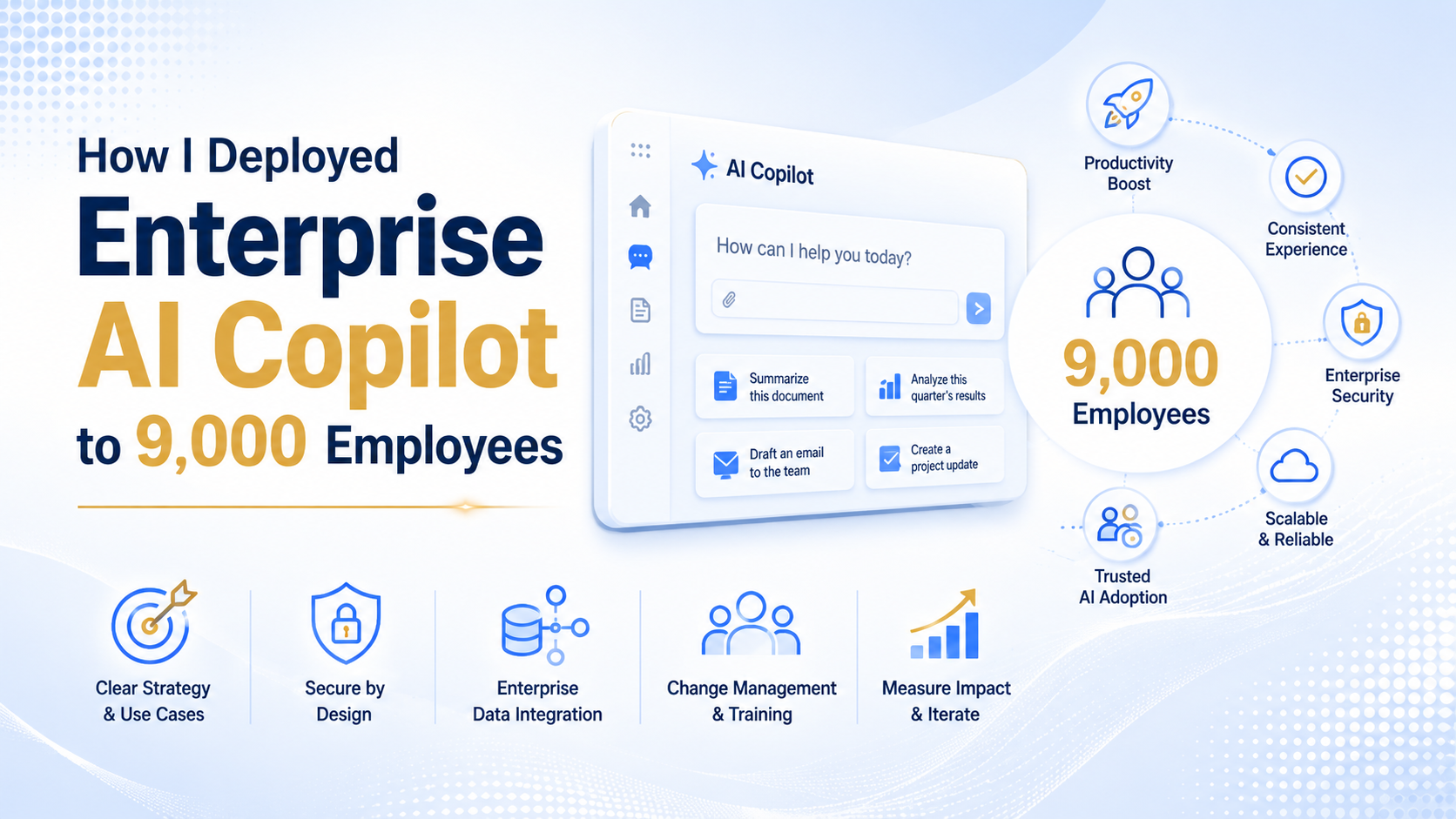
How I Deployed Enterprise AI Copilot to 9,000 Bank Employees – And What Actually Worked
Deploying Microsoft 365 Copilot to 9,000 employees in a regulated bank requires three things – in this exact order: governance scaffolding (DLP policies, prompt logging, model access controls), a phased pilot starting with 50-100 power users, and a behaviour-based adoption tracking system. Skip the order, and either compliance blocks the rollout or adoption stalls below 30%.
That is the short answer.
The longer answer is what this article is about.
I led this deployment. It was not clean, not linear, and definitely not what the vendor slide deck promised. Over six months, we navigated a cautious CISO, a compliance near-miss, 150 team champions, and a 6-month deadline set by leadership.
This is the full playbook – every decision, every phase, and every number we actually hit.
If you are planning a similar deployment, this will save you months of trial and error.
What “Enterprise AI Copilot Deployment” Actually Means at Scale
Most teams have the wrong mental model before they even start. Here is how to reframe it.
When I tell people I led a Microsoft 365 Copilot deployment for 9,000 employees in a regulated bank, the first thing most of them say is: “Oh, so you rolled out some licenses?”
That assumption is exactly why most enterprise AI deployments stall, get blocked by compliance, or hit adoption rates below 20% by month three.
Deploying an enterprise AI copilot is not a software rollout. At 9,000 employees in a banking environment, it is a three-layer problem – and the layers have a specific sequence. Skip the sequence, and you will spend more time fixing problems than the deployment was ever worth.
Data loss prevention (DLP) policies, prompt logging architecture, model access controls, and regulatory compliance. In a bank, this is not optional – it is the foundation.
Building a champions network, designing role-specific training, and handling the human resistance that shows up in every large-scale AI rollout – especially in regulated industries.
Microsoft 365 tenant configuration, SharePoint permissions, Teams integration, and performance monitoring dashboards. This is where most teams start – and that is the mistake.
What the Vendor Slide Deck Promised vs. What Reality Looked Like
Before the deployment started, I sat through the standard vendor briefing. The slides showed happy employees, one-click AI suggestions, and a productivity uplift of “up to 40%.” The rollout timeline on the deck was six weeks.
The reality was more nuanced – and more interesting. Here is an honest breakdown of where the deck and the deployment diverged.
| Area | Vendor Promise | Deployment Reality | Verdict |
|---|---|---|---|
| Timeline | 6-week full rollout | 6 months – governance, pilot, and phased rollout | Misleading |
| Productivity lift | “Up to 40%” improvement | 3.1 hours saved per user per week for active users – real, measurable | Achievable |
| Adoption | Employees will use it naturally | 64% adoption after 12-week pilot – required champions, training, and behavior change | Overstated |
| Compliance setup | One-click DLP with Microsoft Purview | 6-week governance sprint – policies, prompt logging, 3-tier access model | Oversimplified |
| Data readiness | Works with existing SharePoint | Outdated files created a compliance near-miss – data quality sprint needed first | Not mentioned |
None of this means the vendor was wrong about the technology. Microsoft 365 Copilot works. The gap was in what a regulated banking environment requires before the technology can be trusted at scale. That gap is what this entire article is about.
The Starting Point – What We Were Working With
Before I explain the Microsoft 365 Copilot enterprise deployment, I need to start with the reality on the ground. This was not a greenfield rollout with perfect governance, clean data, and an organization already aligned around enterprise AI. It was a large bank, a real operating environment, and a six-month window to make an enterprise AI copilot rollout work without creating compliance risk.
At the starting line, we had 9,000 employees spread across retail banking, operations, compliance, IT, and HR. We already had Microsoft 365 E3 licenses in place, which helped from a platform readiness perspective, but the absence of E5 mattered because it limited how quickly we could mature compliance, advanced security controls, and governance around the Copilot rollout. In practice, that meant I could not treat this as a simple license activation exercise. I had to treat it as a structured enterprise transformation program.
The CISO was cautious, but not obstructionist. That distinction matters. I was not dealing with someone who wanted to block innovation. I was dealing with someone who wanted evidence, control boundaries, and a clear answer to one basic question – if this scales, how do we keep it safe? That changed the way I framed every discussion around enterprise AI governance. I was not selling excitement. I was building confidence.
We also had no internal AI champion network. There was no ready-made group of business advocates who could translate the tool into practical use cases for their teams. That meant adoption could not be outsourced to enthusiasm. It had to be designed intentionally from the start.
This baseline is more common than most vendors admit. In 2026, many Indian and global banks still have strong collaboration infrastructure, fragmented data hygiene, uneven security maturity, and no formal enterprise-wide AI operating model. That is exactly why a disciplined AI copilot rollout matters more than the tool itself.
So when I look back at where we started, I do not see a weak foundation. I see the reality most large organizations are working with right now – good core platforms, incomplete governance, skeptical risk leaders, and pressure to deliver visible progress fast. That is the real starting point for enterprise AI.
Phase 1 – Governance First (Weeks 1-6)
This is the phase most teams skip. It is also the phase that decides whether the enterprise AI copilot deployment survives beyond the pilot. Before we talked about productivity gains, employee adoption, or executive storytelling, I focused on governance scaffolding.
In my experience, governance is not the thing that slows down AI. Poor governance is what slows it down, because the moment an issue appears, the entire program loses trust. So in the first six weeks, my job was simple – build enough control, visibility, and structure so the rollout could move forward without creating avoidable risk.
DLP Policies
The first control layer was Microsoft Purview DLP. We configured policies to block employees from entering customer PII, account numbers, loan-related data, and other regulated information into prompts where it did not belong. This was not optional. In a banking environment, the moment you leave these boundaries vague, your rollout becomes fragile.
The key operating decision was straightforward – block by default, then whitelist by department. I chose that approach because it gave compliance a high-confidence starting point while still allowing us to expand access with intent. It felt slower at first, but it created the kind of credibility that makes a Microsoft 365 Copilot enterprise deployment sustainable.
That early discipline paid off. We had zero compliance incidents in the first 90 days of rollout, and that changed the tone of every leadership conversation that followed.
Prompt Logging Architecture
The second control layer was visibility. Every Copilot interaction was logged to an Azure Log Analytics workspace so we could monitor the health of the program without creating a surveillance culture. That privacy boundary was important to me from day one.
I was very clear that we would monitor in aggregate, not at the level of individual employee scrutiny. We tracked three things consistently – adoption volume by department, error rates and failed response patterns, and DLP-triggered flags. Those three signals gave me enough visibility to understand whether the tool was being used, where it was breaking, and where risk controls were being activated.
- Adoption volume – to see which departments were actually using Copilot regularly.
- Error rates – to spot friction before it turned into broad user distrust.
- DLP flags – to identify where prompts were crossing control boundaries.
That architecture gave us operational awareness without turning the rollout into a trust problem. For enterprise AI, that balance matters more than people realize.
Three-Tier Access Model
The third part of governance was access design. Not every employee needed the same Copilot capability set, and I did not want to create unnecessary license cost or risk exposure by pretending they did. So I built a three-tier model that matched capability to role profile.
| Tier | Who | Capabilities |
|---|---|---|
| Basic | 6,500 frontline staff | Copilot Chat, email summarization, document drafts |
| Standard | 2,000 knowledge workers | Basic tier plus meeting transcription and Excel analysis |
| Advanced | 500 tech, compliance, and analytics users | Full Copilot suite, including Graph-grounded responses |
Tiering kept licensing costs manageable and the compliance surface area small. More importantly, it made the rollout easier to explain to leadership because access was based on role need, not broad enthusiasm.
When teams talk about how to deploy Microsoft Copilot to employees, they often jump straight to use cases and training. I understand why. Those are visible. But the first six weeks taught me the opposite lesson. If the governance model is weak, every later success stays temporary. If the governance model is strong, the rollout has room to grow.
Phase 2 – The Pilot (Weeks 7-12)
Once the control framework was in place, I moved into the pilot. I did not start with 50 users because that sounds neat in a presentation, and I did not round it up to 100 to make the number look more impressive. We started with 87 users because that is how many volunteers signed up across the functions I wanted represented.
That mattered to me because honest numbers create honest decisions. The pilot included users from IT, HR, Operations, Retail Banking, and Compliance. I wanted a mix of highly digital teams, heavily process-driven teams, and control-heavy teams, because a real AI copilot rollout bank environment does not live in one department. It lives in the tension between all of them.
What We Measured
I kept the pilot measurement model practical. I was not trying to create a research paper. I was trying to understand whether the tool was useful, where it was frustrating, and whether it could scale responsibly.
- Time saved per week – self-reported through a short Teams form every Friday.
- Task categories – where Copilot helped most, so we could build real use case libraries later.
- Frustration points – prompts and scenarios where the tool consistently underperformed.
- Adoption rate – actual usage behavior, not licenses assigned.
That last point is important. I did not want a pilot that looked successful on paper because 87 people had access. I wanted to know how many were coming back every week because the tool genuinely helped them do better work.
Pilot Results at Week 12
By week 12, the average active user reported saving 3.2 hours per week. The most common use case by far was email drafting and summarization, which accounted for 71% of prompt activity. That result was useful because it showed where immediate value was happening, even before more advanced use cases matured.
The biggest frustration point was also clear. Copilot struggled with SharePoint files that were older or not consistently discoverable in the way users expected. In simple terms, the tool was exposing information architecture issues that already existed. The technology was not inventing new complexity. It was making old complexity visible.
At week 12, 64% of pilot users were weekly active users – and that was the signal leadership needed to proceed.
That 64% mattered because it told us something deeper than satisfaction scores ever could. It told us that once governance was in place and the right users were onboarded, the tool had enough practical value to create repeat behavior. For a Copilot adoption strategy, that is the threshold that matters most.
Phase 3 – The Scaled Rollout (Months 4-6)
The pilot gave me confidence. The scaled rollout tested whether that confidence was justified. This is where execution discipline mattered most, because once you move beyond a contained pilot, every weakness in communication, governance, sequencing, and support gets amplified.
I treated this phase as an execution playbook, not a communications campaign. The question was no longer whether Copilot worked in principle. The question was whether we could move from a controlled pilot into an enterprise-wide operating model without losing trust, overloading support teams, or creating uneven adoption across departments.
The Champions Network
We had no champion network at the beginning, so I built one before scale. The model was simple – one AI Champion per team, typically a volunteer rather than a formal IT owner. I preferred volunteers because credibility travels faster through peer influence than through assigned authority.
Each champion had three responsibilities. First, run short 30-minute team sessions that showed practical Copilot use in the context of that team’s work. Second, submit the top use cases emerging from their function every month. Third, escalate recurring issues early so we could solve them before they became broad resistance.
With roughly 150 champions reaching around 60 employees each, the program achieved 9,000-person coverage through peer credibility rather than central broadcast communication.
That changed the rollout dynamic. Employees were no longer hearing about enterprise AI from a distant program team. They were hearing about it from someone inside their working context, using their language, with examples that felt immediately relevant.
The Rollout Sequence (by Readiness, Not Alphabet)
I did not roll out by org chart order. I rolled out by readiness. That meant looking at each department through three filters – technical preparedness, use case clarity, and compliance sensitivity.
They had the highest technical readiness and gave us fast operational feedback.
They had clear use cases, quick wins, and high visibility across the organization.
This was the largest team, so I waited until we had stronger enablement patterns and trained champions in place.
This function carried the highest customer-facing sensitivity, so it came later with tighter controls active.
They received separate onboarding, specialized prompt guidance, and a more controlled support model.
This sequencing gave us momentum without creating a false sense of speed. We built early wins where readiness was high, then used those wins to support adoption in more sensitive functions.
What We Deliberately Did Not Do
Some of the best rollout decisions were the things we refused to do. We did not send a mass email saying, “AI is here.” That approach creates awareness, but not behavior change. We also did not treat license assignment as success, because assigned access and active usage are two very different things.
And just as important, we did not promise ROI in month one. That kind of promise creates the wrong pressure. In the early stages of a Microsoft 365 Copilot enterprise deployment, the real goal is not proving dramatic savings instantly. The real goal is identifying repeatable use cases, removing friction, and building enough trust that adoption compounds.
We measured weekly active users. Everything else was noise.
That principle shaped every decision in months four to six. The scaled rollout worked because it was structured, local, role-aware, and patient enough to let behavior become the evidence. That is how I approached how to deploy Microsoft Copilot to employees in a regulated banking environment – not as a big announcement, but as a controlled system that earned the right to scale.
The Governance Incident Nobody Talks About
Around week eight of our Microsoft 365 Copilot rollout, we had the kind of moment that changes how leadership sees an enterprise AI deployment. A member of the compliance team flagged a draft client communication that included an incorrect interest rate, and the issue surfaced before the message went out. That one draft forced us to examine not just the output, but the entire system behind it.
The root cause was not model hallucination in the way most teams imagine it. Copilot had grounded its response in an outdated rate sheet stored in SharePoint. In other words, this was not a Copilot failure – it was a data governance failure, and that distinction mattered because it changed what we needed to fix.
In any enterprise AI copilot deployment, the model will expose the quality of your underlying content faster than any audit ever will. That is exactly what happened here.
Once we understood the problem clearly, our response was immediate and structured. We audited the SharePoint documents that Copilot was using as grounding sources, especially in regulated content categories where outdated information could create client risk. We then excluded documents older than 90 days from Copilot’s searchable index for those categories and created a stricter review process for policy-linked content.
We also added a visible disclaimer inside the Copilot experience for regulated use cases. The wording was simple: always verify generated output against the latest approved policy before using it in external or customer-facing communication. That one line changed user behavior because it reminded people that enterprise AI governance is shared between system design and human judgment.
Key lesson: AI deployment surfaces your existing data quality problems. Treat that as a feature, not a bug.
Ironically, this incident increased executive confidence in the rollout. It proved that our monitoring worked, our compliance escalation path worked, and our AI governance controls were strong enough to catch risk before it became a production issue. In a regulated bank, that is what builds trust in a Microsoft 365 Copilot enterprise deployment – not perfection, but controlled visibility and fast correction.
The Final Numbers at Month 6
By month six, the rollout had moved from experimentation to measurable operating value. We were no longer discussing AI in abstract terms. We had adoption data, productivity signals, governance outcomes, and enough evidence to judge whether the enterprise AI copilot rollout was actually working.
| Metric | Target | Actual |
|---|---|---|
| Weekly Active Users | 60% | 67% |
| Avg. time saved per user per week | 2 hours | 3.1 hours |
| Critical compliance incidents | 0 | 0 |
| Champion satisfaction score | 4/5 | 4.3/5 |
| Executive sponsor NPS | Positive | 8.2/10 |
These numbers matter because they came from a regulated banking environment, not a sandbox. Hitting 67% weekly active users in that context told us that adoption was real, not inflated by license allocation. More importantly, the zero critical compliance incidents showed that enterprise AI governance and user adoption do not have to compete with each other when the rollout is designed properly.
The 3.1 hours of average time saved per user each week also changed the quality of internal conversations. At that point, we were not trying to persuade stakeholders that Copilot might be useful someday. We were showing that a Microsoft 365 Copilot enterprise deployment could create measurable operational lift while still respecting the controls expected in financial services.
Three Things That Made the Difference
When I look back at what actually moved this AI copilot rollout forward, three things stand out. None of them were flashy. All of them were practical. And all three became repeatable principles for how I now think about enterprise AI deployment at scale.
Governance is not a blocker – it is an enabler
Every time we tried to move faster by skipping a governance step, we created a bigger issue that took longer to clean up. Good enterprise AI governance did not slow the rollout down. It prevented rework, reduced anxiety, and gave leadership the confidence to scale.
Champions beat communication campaigns
A polished launch email from IT creates awareness. A colleague showing how Copilot saved them time on a real task creates behavior change. That is why our champions network outperformed every formal communication asset we produced.
Measure behavior, not access
Licensing numbers are vanity metrics. Weekly active users, repeat usage, and time-saved signals tell you whether an enterprise AI copilot deployment is creating value. If people have access but do not change how they work, the rollout is not succeeding.
These lessons sound simple, but they are easy to ignore when large organizations are under pressure to move quickly. In my experience, the teams that succeed with Microsoft 365 Copilot are usually the ones that are disciplined enough to focus on operational reality instead of launch optics.
What I Would Do Differently
Even though the rollout delivered strong results, there are a few things I would change if I were starting the same enterprise AI deployment again today. The advantage of doing this work at scale is that it makes your blind spots very obvious. And if you pay attention, those blind spots become the blueprint for your second version.
- I would run a 2-week data quality sprint before the pilot. We should have cleaned regulated SharePoint content earlier, reviewed document freshness, and tightened metadata discipline before Copilot touched any of it.
- I would build use case libraries by role, not by feature. Employees do not think in terms of product capability. They think in terms of whether the tool helps them write, review, summarize, or decide faster in their own job.
- I would set up AI visibility dashboards from day one, not month three. Real-time monitoring for adoption, prompt quality, and department-level usage patterns makes it easier to intervene early and scale what is working.
The biggest surprise for me was not the technology. It was how quickly people became confident once they saw one practical use case that clearly fit their day-to-day work. In enterprise AI, human trust compounds faster than technical capability when the rollout is grounded in real context.